
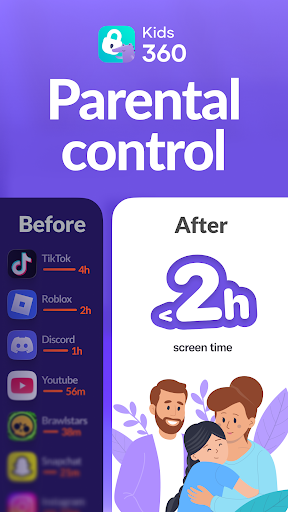
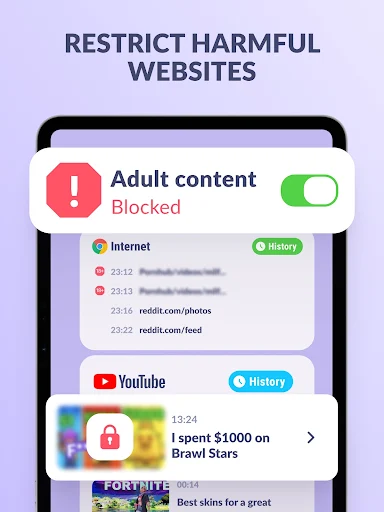
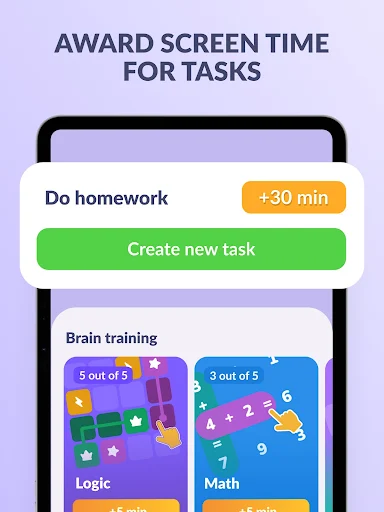
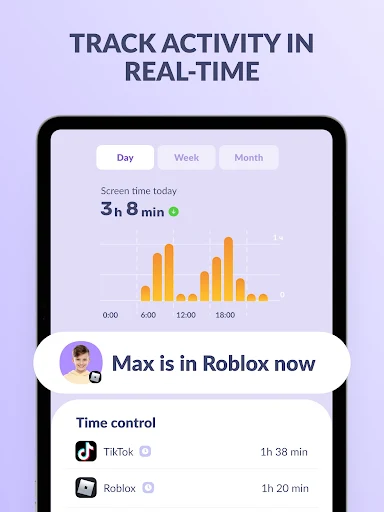
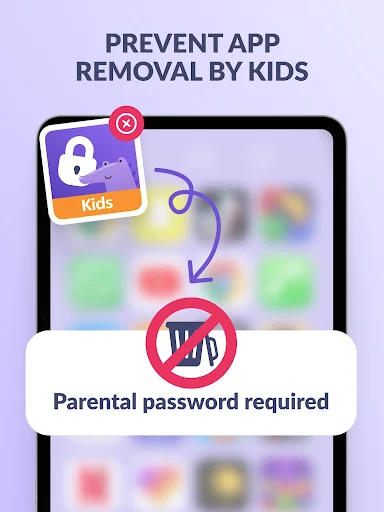
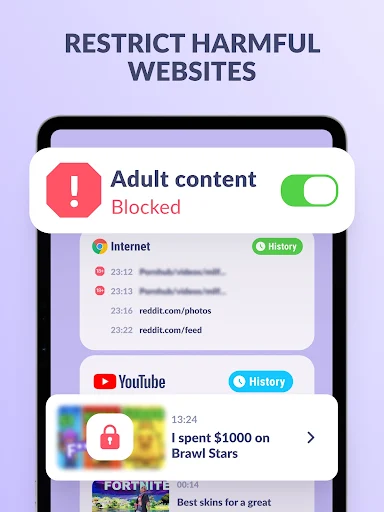
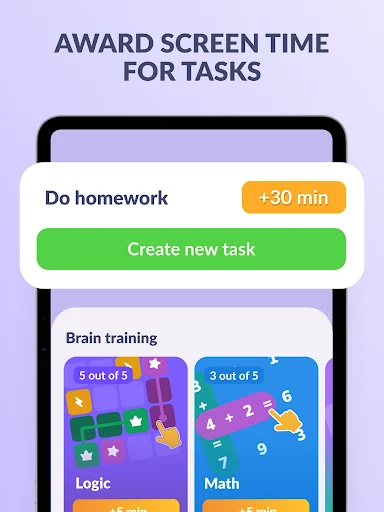
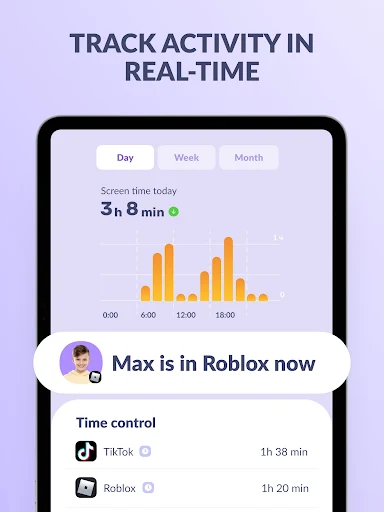
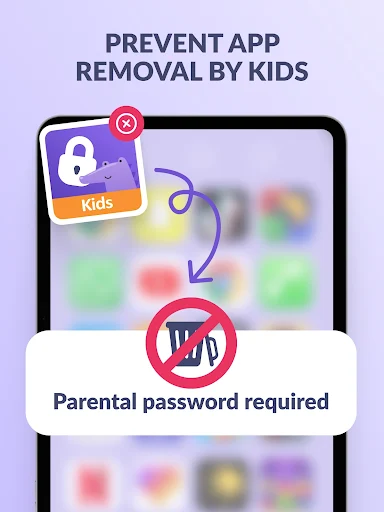

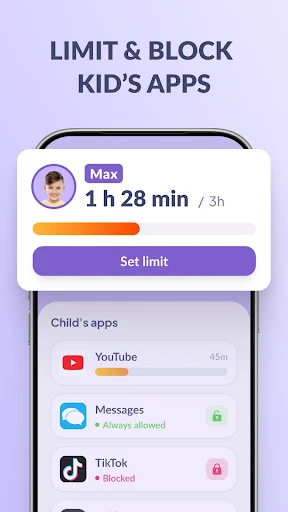
Kids360: Parental Control App is a tool designed for parents to manage and monitor their child’s smartphone activity. It allows you to set screen time limits for distracting applications and social media, block specific apps, and gain insight into how your child uses their device. The app operates in conjunction with the Alli360 app, which is installed on the child’s smartphone to enable its monitoring and control features, helping parents guide their child’s digital habits.
Screen Time Management and App Control
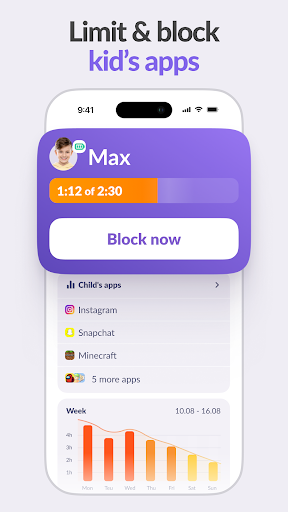
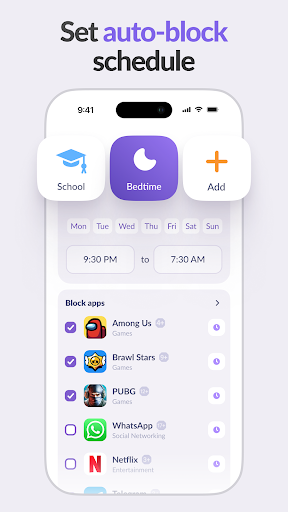
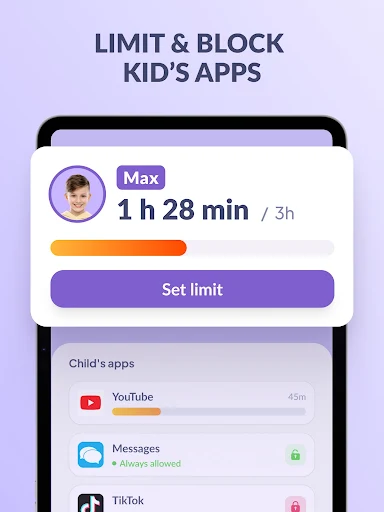
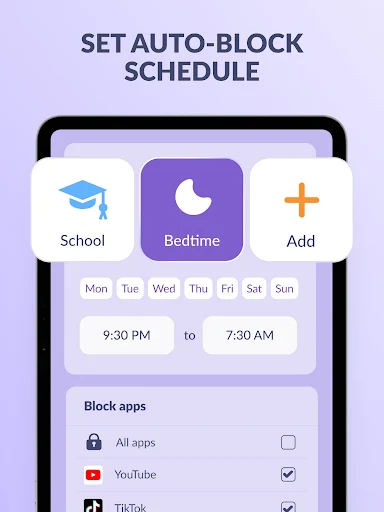
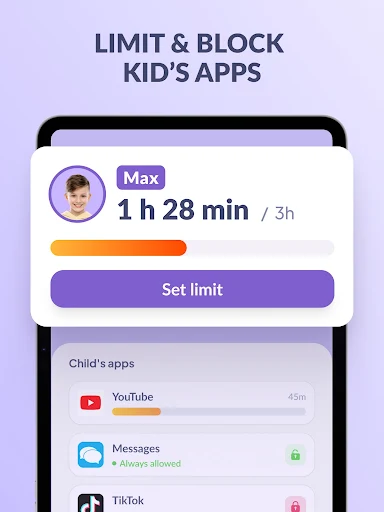
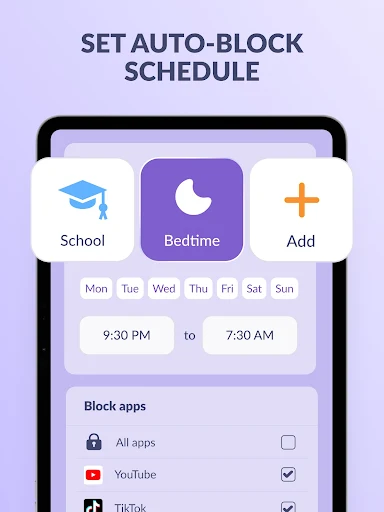
The app provides tools to manage how long and when your child uses their phone. You can set specific screen time limits for individual apps, games, and social media platforms, effectively acting as a child lock. Beyond daily limits, a usage schedule feature allows you to define periods for productive schooltime and restful sleep, during which the app will limit access to games, social media, and other entertainment applications. This includes general phone usage limitations, ensuring a structured approach to device access.
Activity Monitoring and Insights
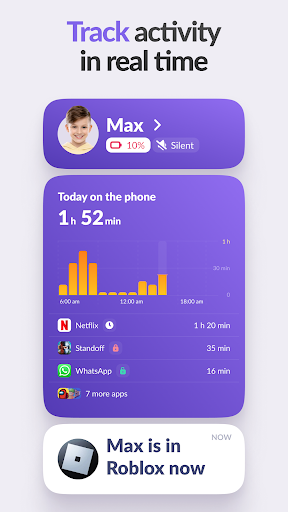
To help parents understand their child’s digital behavior, Kids360 offers detailed statistics on app usage. You can view which applications your child is using and for how long, providing insight into their habits, such as whether they are engaging with educational content or entertainment during school hours. The app also displays overall screen time, identifying the applications that occupy your child the most and enabling informed decisions about kid control settings.
Maintaining Communication
Even with usage restrictions in place, Kids360 ensures essential communication channels remain open. Critical applications for calls, texts, and services like taxis, which are not categorized as gaming or social networking, are always accessible. This allows parents to stay in touch with their child without interruption, regardless of other screen time limits.
GPS Tracking
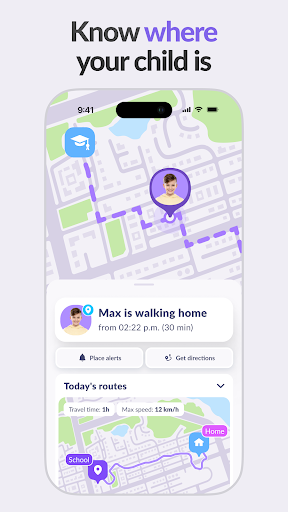
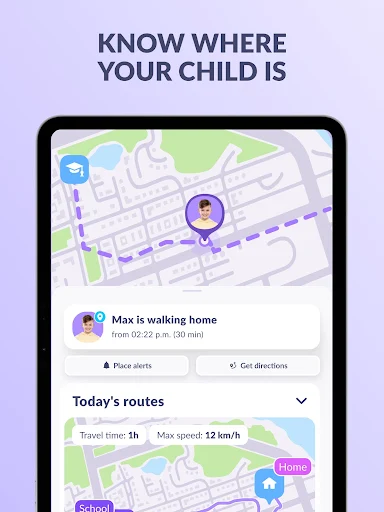
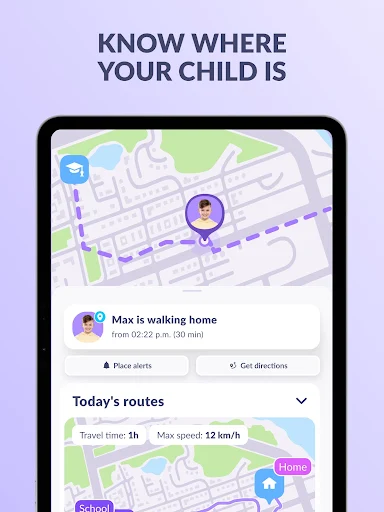
Kids360 includes a GPS tracking function, enabling parents to monitor their child’s location. This feature contributes to the overall parental control functions by providing location awareness.
Installation and Consent
For Kids360 to function, the companion app, Alli360, must be installed on the child’s smartphone, where it operates in an app tracker mode. It is important to note that Kids360 cannot be installed secretly; its use is permissible only with the child’s explicit consent. The app states that personal data is stored in strict compliance with applicable laws and GDPR policy.







Write a review